Contents
- Index
Creating Survey Reports
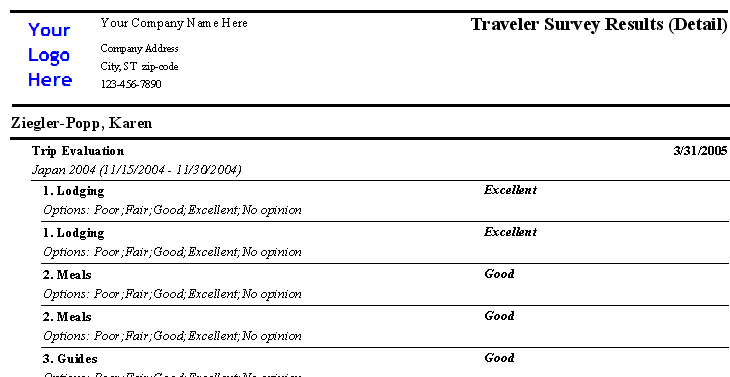
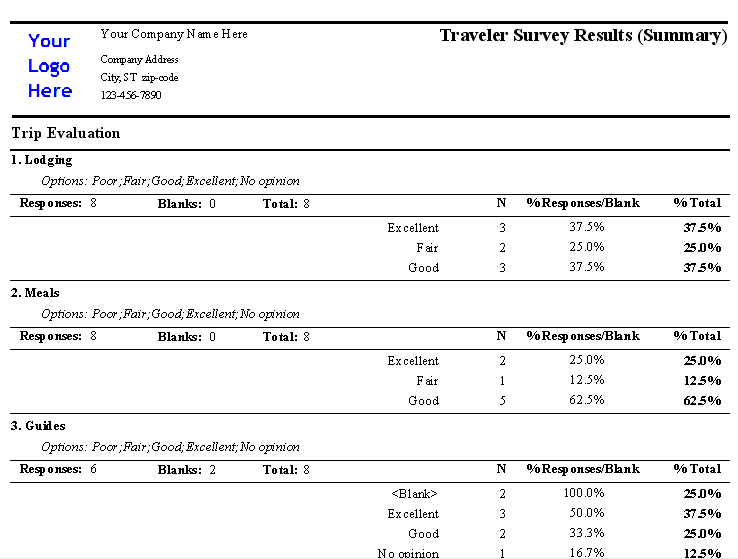
Users can view survey responses in detail (per Traveler) or Summarized (by response per question).
Further, the report can include one survey or many, one question from a survey (or many) and/or survey responses in a date range. Any combination is possible.
1. Open the Reports Form by clicking on the Reports button from the Main Menu.
2. Select Traveler for Report Type
3. Select Traveler Survey Detail to see responses per traveler (page breaks between each traveler) or Traveler Survey Summary (to see answer breakdowns.)
4. If you want to see specific traveler records, select them from the traveler list. If not looking for specific traveler responses, click on the Other Info Tab for more to set additional criteria.
5. Select one or more surveys. If you only want to see responses for specific question in that survey, select those.
6. If you only want to see responses that were collected in a certain date range, enter that date range in the From and To Date Fields.
Related Topics:
Sample Reports: Traveler Survey Results Detail and Traveler Survey Results Summary