Contents
- Index
Deleting (unlinking) MailMerge Letters on Report Form
When you remove a letter from ViaTour, you are not deleting the template (the actual word document you created) you are simply deleting the removing it from the Reports Form list.
1. Open the reports form.
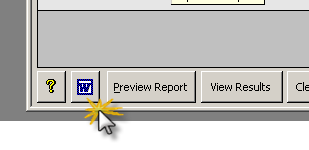
2. Click on the Mail Merge Maintenace form button at the bottom left of form.
5. Close form.
6. Delete the template in Word if appropriate.