Contents
- Index
Deleting Tour Promotions
To delete a promotion select the "record bar" to the far left of the record view. The bar turns black and the triangle turns white.
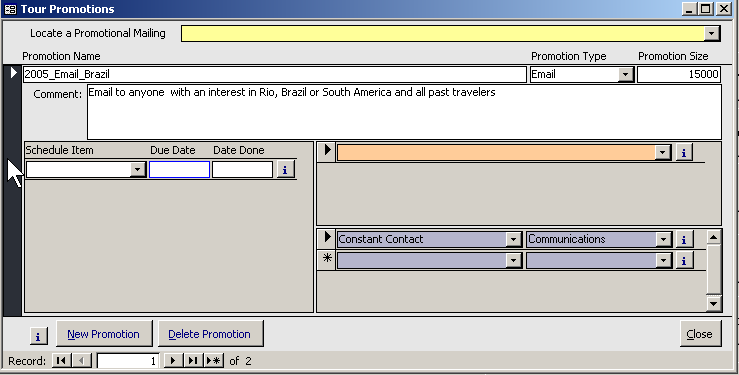
Click your delete key or the Delete Button on the bottom of the form.
You will get this warning...

This warning means that if you are deleting a promotion that has been assigned on reservation (as a Promotion Source) -- you are deleting that association as well.