Contents
- Index
Air Tracking: Setting up Flight Codes
Setting up air codes prior to creating flights and reservations.
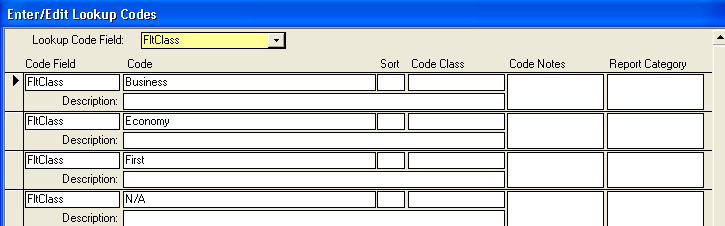
1. Flights may be tracked by Class of Service on the code FltCLass. A value of N/A allows you to ignore class of service if you do not need to track this.
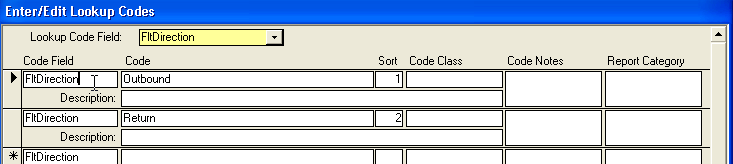
2. Flight Direction: the code FltDirection is used to determine if a flight is Outbound or Inbound. You can use any value you wish, but note that sort will be alphabetical, so if you use Outbound/Inbound assigning sort value will list them in the proper order.
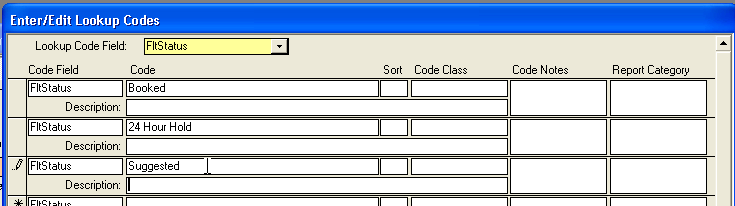
3. Flight Status: the code fltStatus is for whether the flight is booked or under consideration, suggested, etcetera.
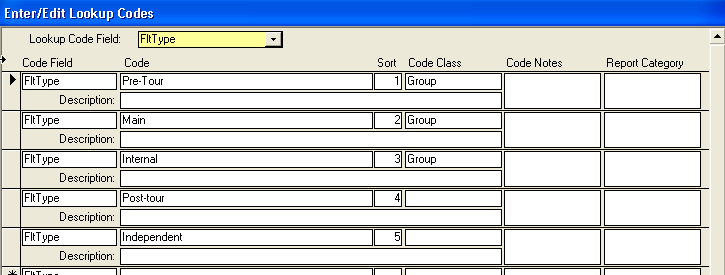
4. Flight Type: use the fltType field to code a flight. You can use any value you want- but you will need to also use the CODE CLASS field to specify flights that are group. Only flights with a Code Category of Group can be assigned at the Tour Level. Flights that do not have a Code Category Value of Group can only be assigned on a reservation, and allow you to enter unique flight values for a traveler.
Related Topics:
Air Tracking Overview
Setting up Group Air
Assigning Flights on Reservations
Adding or Editing Airport codes