Contents
- Index
Assigning Flights on Reservations
You can assign on a reservation a group flight, a journey, or enter independent flights.
Before you can enter a group flight or journey - you must first set up tour air.
Steps are:
1. Open the reservation and click on the Air Tab.
2. Notice there are three buttons:
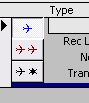
Click on the blue plane is to add a group flight. Click on the arrow to open the list (or F4 key) and use your mouse or type the flight you want. When you tab off the group flight displays in gray.

Note:Changes to the group flight stay with anyone "linked" to the group flight.
The red plane is to add a journey (a set of flights make up a journey)

Once selected all journey flight populate the record.
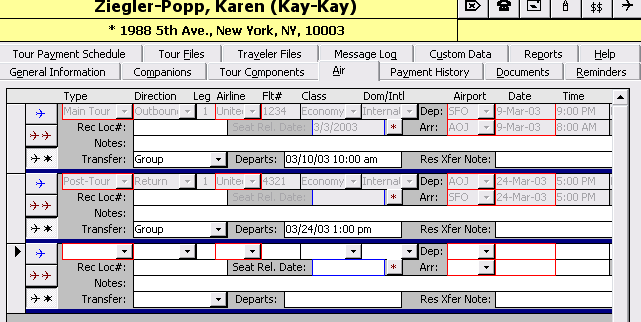
The black plane is to enter individual air. Simply edit the fields noting the field definitions for flights and how transfer is managed.
Related Topics:
Air Tracking Overview
Air Tracking: Setting Up Flight Codes
Setting up Group Air